
A recognisable welcome
Choose tavern, inn, alehouse, coaching inn or guesthouse. Give the venue a sign, atmosphere, reputation and place in the district.
A warm welcome. A story waiting.
Give the party somewhere to rest, meet familiar faces and find the next adventure. Prepare a written venue with rooms, people, hospitality, rumours and secrets.
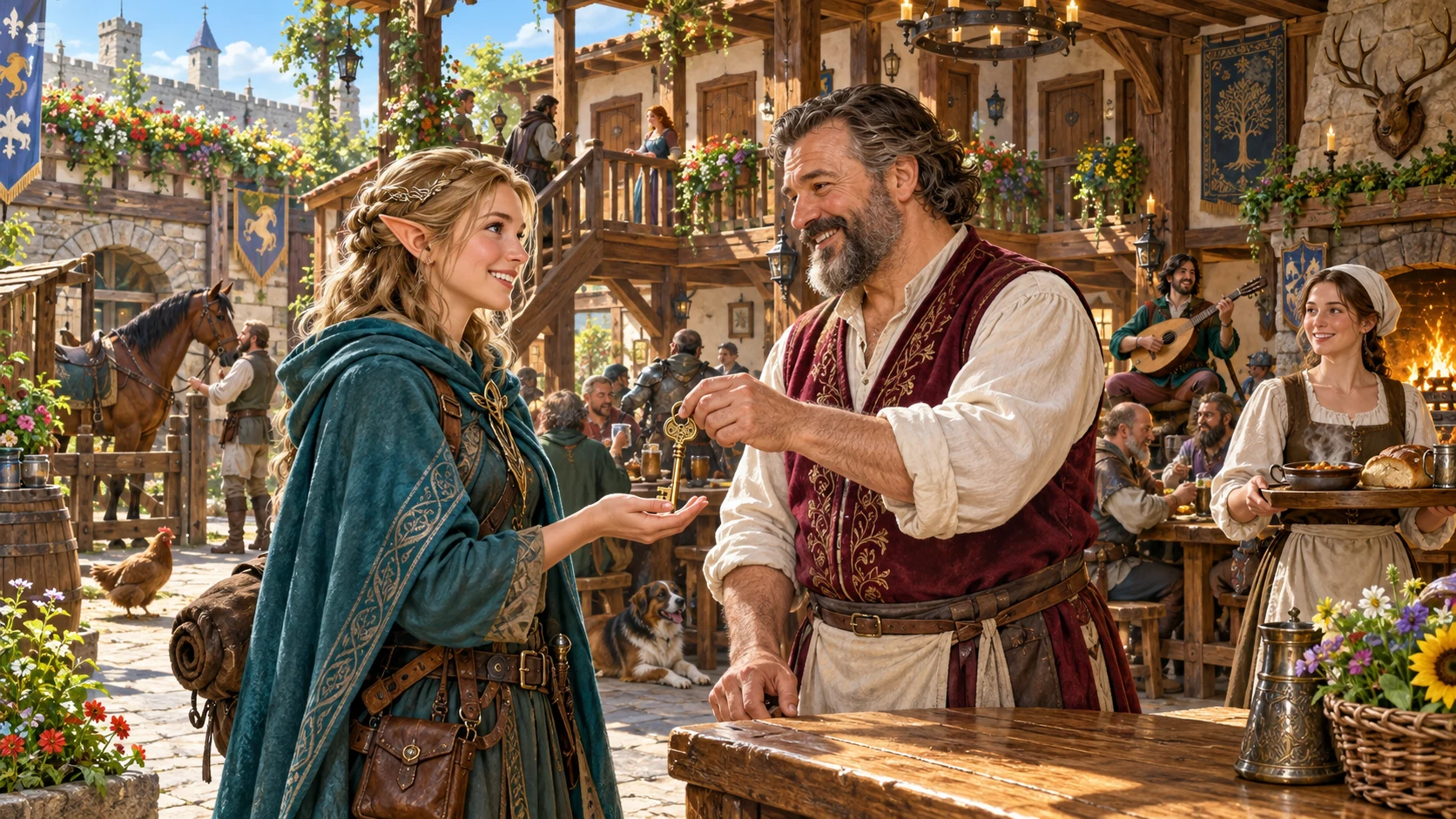
Give the journey a place to pause
Prepare a social location and adapt its details to your campaign.
Choose tavern, inn, alehouse, coaching inn or guesthouse. Give the venue a sign, atmosphere, reputation and place in the district.
Read the proprietor, staff, regulars, clientele, entertainment and current activity together. Decide who the party notices first.
Use the short food and drink menu, relative prices, lodging guidance and services to answer practical questions at the table.
Follow rumours, relationships, local problems and a private truth into an adventure. Nothing advances automatically while the party is away.
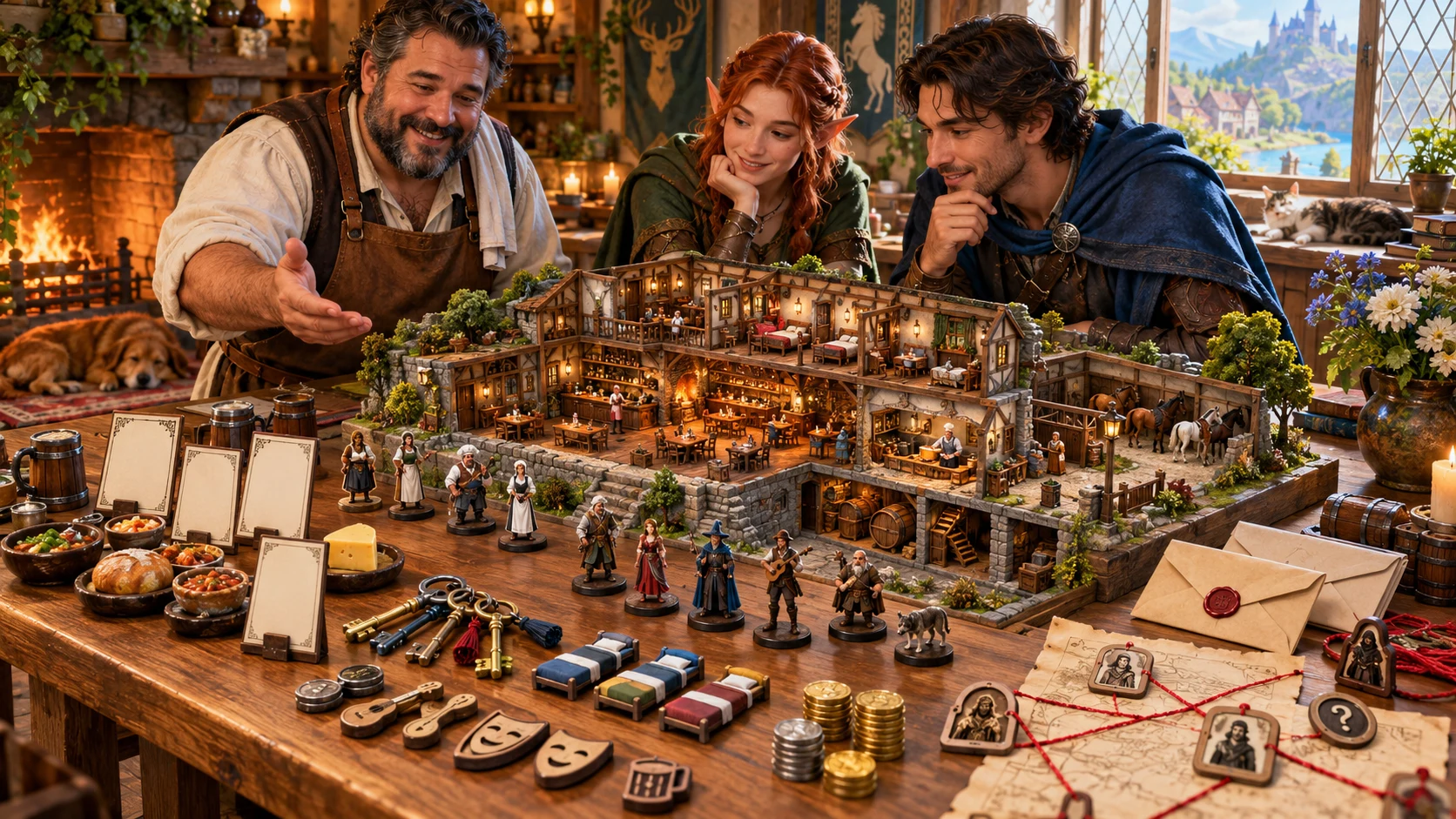
Plan the people around the rooms
A host and adventurers consider a model inn, staff figures, room tokens, menu cards and local relationships.
This illustration represents preparation. The product creates a written venue guide, not a visual floor plan or a business simulation.
From roadside stop to recurring social hub
Open Tavern & Inn Generator through Desktop Command Centre on Windows.
Set type, wealth, district and an optional seed. Quick retains your current Deep settings; venue presets change selected controls.
Use Deep for clientele, hospitality, capacity, security, influence and activity. Room capacity is bounded from 1 to 60.
Review the rooms, people, menus, events and secrets. Reroll a selected group or edit the complete establishment JSON.
Save manually to your account. Check and update the separate player card before copying, downloading or printing it.
One venue, connected preparation
Use the written result as a starting point for your table.
Prepare taverns, inns, alehouses, coaching inns and guesthouses with a recognisable sign, exterior, atmosphere and local reputation.
Read four functional room descriptions and a layout summary. Set lodging capacity from 1 to 60; the room list is not a generated floor plan.
Meet a proprietor, three key staff and regulars with habits and leads. Add clientele, activity, security and local relationship pressure.
Create a short menu, house pours, relative price guidance, lodging quality, entertainment and services suited to a hospitality location.
Use visible tension, local problems, rumour leads, a private truth, adventure hooks and an unusual feature as starting points for play.
Reroll menu, staff, clientele, problem or secret groups while retaining venue identity and other sections. Review and update the separate player card afterward.
Save manually, search by name, reopen, duplicate and open up to ten earlier saved versions. Review generation controls before creating another version.
Copy, download JSON or print the DM dossier or player card. Review the player card after rerolls, duplication and edits before sharing it.
Hospitality in different forms
Venue presets adjust selected settings; review the entire setup before generating.
A tavern preset suggests local clientele and modest room capacity. An alehouse favours ale, table games and a smaller capacity.
Prepare a stop for a mixed clientele with ten rooms suggested by the preset. Change the setup to match your campaign.
The preset favours travellers, eighteen rooms and watchful security. The venue guide includes stable coordination among its services.
The preset suggests eight rooms, steady activity and conversation rather than featured entertainment. Review the written schedule for your own setting.
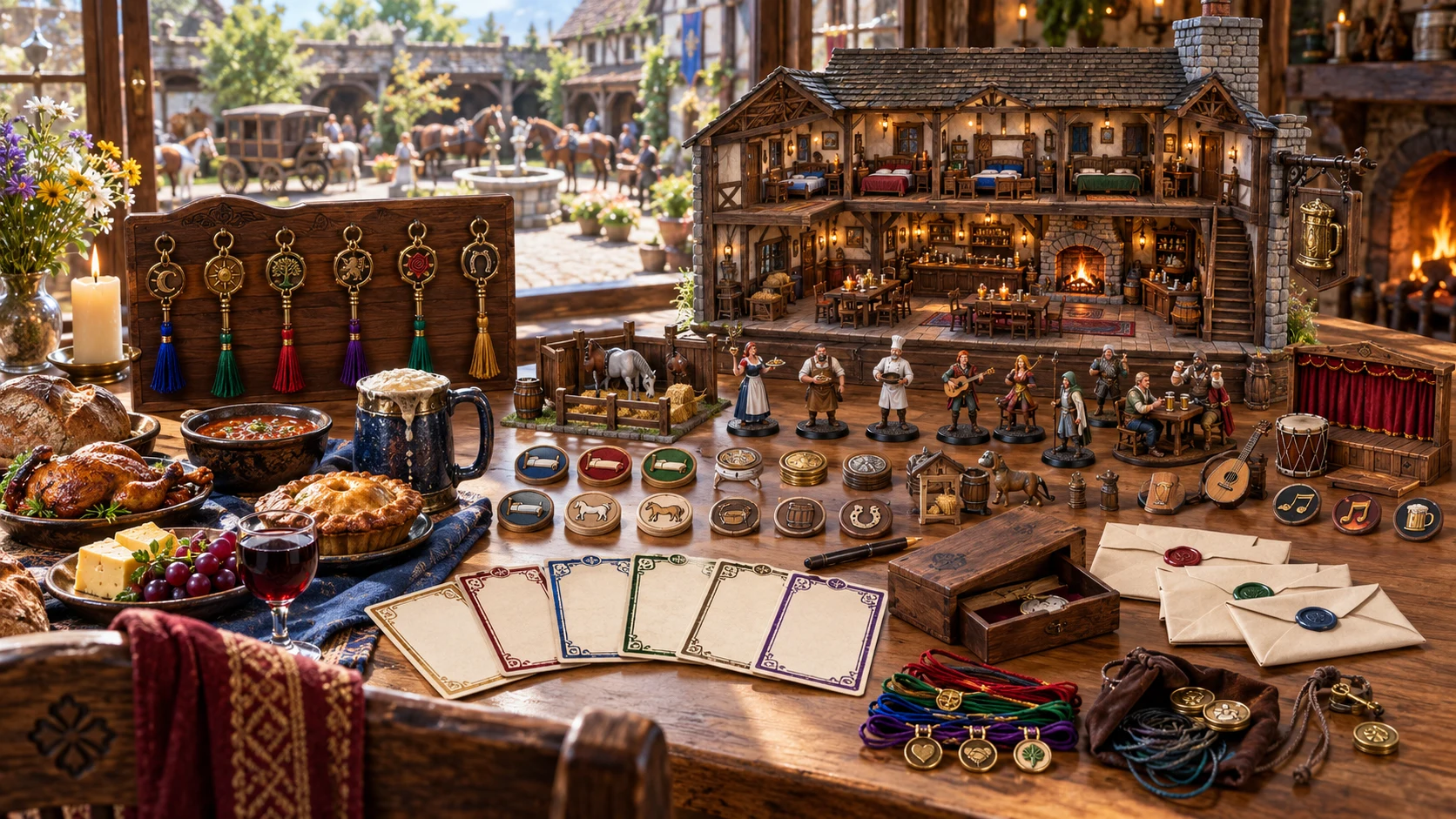
Keep the venue guide together
A model inn, room keys, meals, staff figures, entertainment tokens and sealed messages illustrate a reusable hospitality guide.
The app produces text and structured data. Keep the full DM dossier for preparation and review the separate player card before sharing.
Refine the part that needs attention
Scoped rerolls retain other venue sections but do not rebuild the player card.
Menu changes food, drinks and relative prices. Staff changes the proprietor and key staff; identity, rooms and other sections stay retained.
Clientele changes regulars and clientele. Problem changes current events, problems and hooks. Review how revised details fit the existing house.
Secret rerolls change private truths and the unusual feature. Read both the revised dossier and player card before sharing.
The seed combines with a changing variation counter and reroll scope. Save or download the venue you want to keep; the seed alone is not an exact snapshot.
Written detail you can develop
Review the whole venue after generation, rerolls, duplication or edits.
Four functional room descriptions stay separate from the lodging capacity. The result is not a graphical map or one record for every room.
Save checks required structure and minimum lists plus direct leakage of the first secret text. It is not a complete consistency or secret-redaction audit.
Rerolls and duplication do not rebuild the player card. Use the complete JSON editor to update its name, sign, menu and public details before sharing.
Menus use relative prices. No deep merchant stock, wage system, staff progression or live hospitality simulation runs here.
Choose the generator access you need
Current selected-generator prices are charged in US dollars.
US$1.99/month for Tavern & Inn Generator as an individually selected standalone generator.
US$8.99/month for a pack of five chosen standalone generators. Select the tools you need through your account.
A free account does not by itself include paid generator access. Open the product through Desktop Command Centre with the required entitlement.
Combat PRO and image products have their own required access. A generator subscription does not include every linked product.
Keep places worth returning to
Save deliberately and keep a backup of important preparation.

Save validates the current venue through the active Desktop Command Centre session. Unsaved edits are not automatically kept.
Subsequent saves retain up to ten earlier versions with controls to reopen them. Keep the version you want and save subsequent changes deliberately.
Saved results and prior versions do not restore all setup controls, seed or variation counter. Review the settings before generating again.
Copy or download the current DM or player view as JSON, or print it. The DM view includes secrets; review and update the separate player card before sharing.
The venue within your wider campaign
Related products retain their own purpose, access and execution boundaries.
Discover and open your supported Windows products through one connected VISINVOKE account.

Explore environment packs for the workplaces, roads and expedition locations your campaign visits.
Prepare and run encounters with separate required access. Send one selected tavern confrontation to a prepared slot and review it before play.
Create fantasy character, creature, item and location imagery for your tabletop preparation.

Create guided commercial visuals for websites, brochures and other creative projects.

Explore a separate futuristic RPG world with its own characters, rules and progression.
Product artwork illustrates venue preparation, not application screens or actual generated image output.
Know the workflow before you start
Understand what the current product keeps, changes and shares.
Quick shows establishment type, wealth tier, district and seed while retaining the current Deep settings. Deep adds settlement size, reputation, clientele, food, drinks, lodging, entertainment, room capacity, security, criminal and faction influence, magic and activity. Five venue presets change a small group of settings rather than resetting every control. Generation uses the seed, a changing variation counter and reroll scope, so the visible seed alone does not promise an identical result.
Room capacity is bounded from 1 to 60 and is used for lodging and layout guidance. The written result still contains four functional room descriptions: common room, kitchen and stores, private room and lodging wing. It does not create one room record for every capacity unit or produce a graphical floor plan. Food and drink prices are relative currency bands rather than a priced merchant inventory. Review the descriptions together and adapt them to your setting.
Menu rerolls change food, drinks and price guidance; staff changes proprietor and key staff; clientele changes regulars and clientele; problem changes events, problems and hooks; secret changes secrets and the unusual feature. Other venue sections remain from the previous result. The separate player card remains unchanged, including its earlier menu. Review and update that card in the JSON editor before sharing it. Duplication changes the main venue name without rebuilding the player card.
Edit the complete establishment JSON and retain its required sections. Save checks schema, required sections, minimum room and staff lists, food and drinks, and whether the first exact secret text appears in the player card. It does not prove every edited detail agrees or remove every possible secret. Saves are manual through the active Desktop Command Centre session and require generator access and a working connection. Subsequent saves of the same record keep up to ten earlier versions that can be reopened. Opening a saved result does not restore setup controls, seed or variation counter; inspect them before generating again. Unsaved edits are not automatically kept.
Choose the DM dossier or player card before copying JSON, downloading JSON or printing the current view. The player card contains identity, district, public reputation, menu, lodging availability and quality, entertainment and a public event summary. It is a separate snapshot: rerolls, duplication and JSON edits do not automatically rebuild it. Update its name, sign and public details and review it before sharing. The DM view includes secrets. Downloaded JSON is a backup and reference; there is no separate file import control.
Select one combat-capable tavern event and prepare that scene in Combat PRO. The transfer contains an objective, common-room location notes, hazards, an inactive complication and one opposition reference with a participant shell. It supplies no graphical map or complete creature statistics. Wider rooms, staff, menus and secrets remain in the generator. Combat PRO ownership and available prepared-encounter capacity under your account plan are required. The same venue ID and event ID are treated as a duplicate, so editing or rerolling does not update an already imported scene. Review and finish the prepared encounter before play; the transfer does not start combat.
Continue in VISINVOKE
Create a free VISINVOKE account and choose the required standalone generator access.
Get Desktop Command Centre from your account installer page. Sign in on Windows, then open Tavern & Inn Generator.